What Is BQS? The 12-Point Quality Standard Explained
Why Quality Standards Matter
When you buy a workflow from a marketplace, you are buying a promise: "this will work in your environment." The problem is that most workflow marketplaces have no quality gate. Anyone can upload a JSON file, write a marketing description, and call it a product. The buyer discovers whether it actually works only after purchasing - and by then, they have already spent money and time.
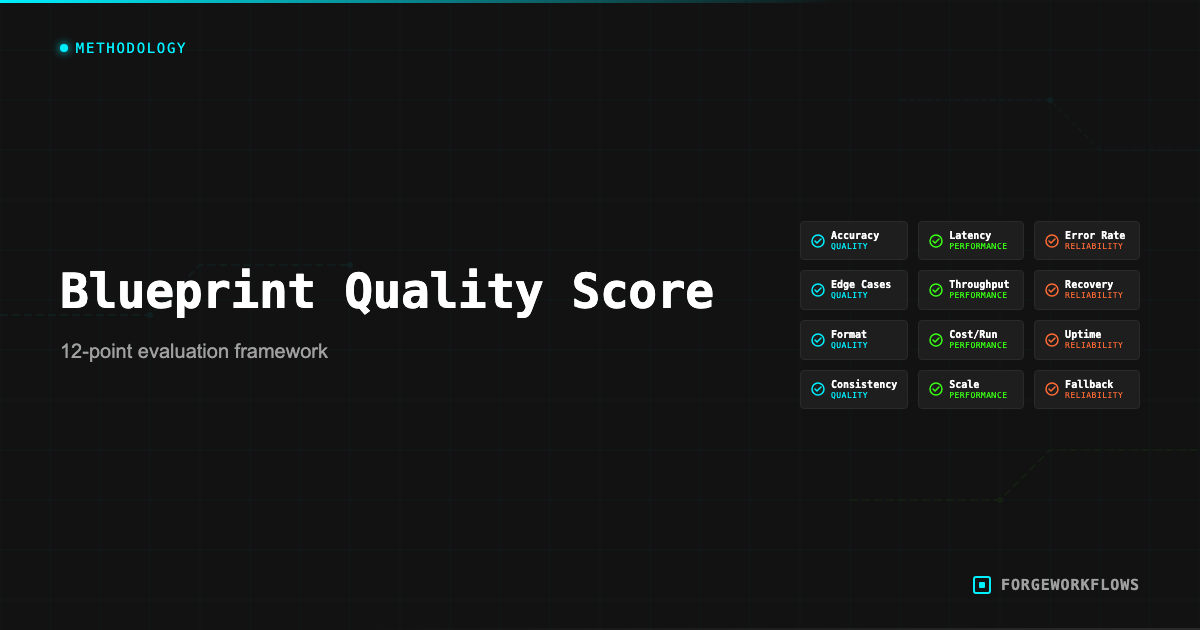
This is the gap that the Blueprint Quality Standard (BQS) fills. BQS is a 12-point audit protocol that every ForgeWorkflows Logic Blueprint must pass before it is listed on the storefront. It is not a self-certification - it is a structured inspection performed against the actual workflow JSON, agent prompts, documentation, and error handling matrix.
The standard exists because we sell Logic Blueprints, not SaaS subscriptions. You buy a bundle, you deploy it on your own infrastructure, and you run it with your own data. If the Blueprint is broken, you cannot file a support ticket and wait for a server-side fix - you are stuck with a broken file. BQS prevents that scenario by catching issues before listing.
Every product page on the storefront displays its BQS result. A passing score means the Blueprint met all 12 audit points at the time of listing. You can see this in practice on listings like the RFP Intelligence Response Agent and the Autonomous SDR Blueprint. You can verify this yourself by reading the audit criteria below and inspecting the bundle files against them.
The 12 Points
Each BQS point tests a specific aspect of Blueprint quality. Here are all 12:
- Workflow JSON validity. The
workflow.jsonfile imports cleanly into n8n without errors. All node types are recognized. No orphaned connections. No missing node references. - Credential slot documentation. Every node that requires authentication has the credential type and required scopes documented in the README. The buyer knows exactly what API keys they need before they start.
- Agent prompt completeness. Every agent node has a corresponding prompt file in the
prompts/directory. The prompt includes: role definition, input format specification, output format specification, edge case handling instructions, and scoring criteria (where applicable). - Error handling coverage. The error handling matrix documents every failure mode for every node. For each failure, the matrix specifies: the error condition, the error message, the recovery action, and whether the pipeline continues or halts.
- Input/output schema definition. Each agent-to-agent handoff has a JSON schema defining the expected input and output structure. These schemas allow the buyer to verify data contracts without reading the full prompt.
- Trigger configuration. The trigger node (schedule, webhook, or event) is configured with sensible defaults and documented in the README. The buyer knows how to change the frequency or trigger type.
- Cost documentation. The per-execution LLM cost is ITP-measured and stated on the product page. The estimated monthly infrastructure cost is documented. No undisclosed costs.
- Dependency matrix. The README lists every external service, API version, n8n version, and credential type required. The buyer can verify compatibility before purchasing.
- Output format specification. The final output of the pipeline (Slack message, CRM update, email, JSON payload) is documented with example output. The buyer knows what the workflow produces before buying.
- Idempotency verification. Running the workflow twice with the same input produces the same output (or, for workflows that create records, does not create duplicates). This is tested during ITP.
- No hardcoded secrets. The workflow JSON contains no API keys, tokens, passwords, or environment-specific values. All authentication uses n8n credential references.
- README completeness. The README covers: prerequisites, deployment steps, credential setup, first test run, customization guidance, and troubleshooting. A technical user can deploy the Blueprint by following the README alone.
BQS is a pass/fail standard. All 12 points must pass. A Blueprint that fails any single point is not listed until the issue is resolved and the audit is re-run.
How We Audit
The BQS audit is performed on the actual files in the bundle - not on a description or a demo. Here is the process:
- File inventory. Verify the bundle contains all required files: workflow JSON, README, prompts directory, error handling matrix, schemas directory. Missing files are an immediate BQS-1 or BQS-12 failure.
- Import test. Import the workflow JSON into a clean n8n instance. Verify all nodes render correctly and no "unknown node type" errors appear. This tests BQS-1.
- Credential slot walk. Open every node that requires authentication. Verify the credential type is documented in the README with the required scopes. This tests BQS-2.
- Prompt review. Open each prompt file. Verify it contains role definition, input spec, output spec, edge case handling, and scoring criteria. Compare the prompt file to the node configuration to ensure they match. This tests BQS-3.
- Error matrix cross-reference. For each node in the workflow, verify the error handling matrix has an entry. For nodes that call external APIs, verify the matrix covers: authentication failure, rate limiting, timeout, malformed response, and empty response. This tests BQS-4.
- Schema validation. Verify each agent handoff has an input/output JSON schema. Validate sample data against the schema. This tests BQS-5.
- Remaining points (BQS 6-12) follow the same pattern: read the specification, inspect the files, verify compliance.
The audit typically takes 30-60 minutes per Blueprint. It is performed before initial listing and repeated when a Blueprint is updated.
What Fails BQS
Understanding what causes BQS failures helps you appreciate what the standard catches. Common failure modes:
- Missing error handling for API failures. A workflow that calls the Anthropic API but has no error handling on that node will fail BQS-4. If the API returns a 429 (rate limit), the workflow should retry or route to a fallback - not crash silently.
- Prompt without edge case instructions. A scoring prompt that tells the agent how to score "normal" records but does not address what to do with incomplete data, empty fields, or malformed input will fail BQS-3. Edge cases are where most production failures occur.
- Hardcoded API URL or version. A workflow that hardcodes
api.hubspot.com/v3/directly in an HTTP Request node (instead of using the native HubSpot node or parameterizing the URL) will fail BQS-11 adjacent concerns, depending on the specifics. - README that says "configure your credentials" without listing which ones. If the README does not specify the exact credential type, required scopes, and where to get the key, it fails BQS-2.
- No output example. If the buyer cannot see what the workflow actually produces before purchasing, it fails BQS-9.
These are not theoretical examples. They represent actual issues caught during BQS audits on early Blueprint candidates. The standard exists because these issues are common in workflow automation - and discovering them after purchase is a poor buyer experience.
Most BQS failures are documentation issues, not code issues. The workflow itself may function correctly, but if the documentation does not meet the standard, it does not ship.
Real Examples of BQS Catches
Here are redacted examples from actual BQS audit rounds that illustrate the value of the standard:
Catch 1: Silent credential failure. A Blueprint connected to a CRM used an HTTP Request node instead of the native CRM node. When the API token expired, the HTTP node returned an empty response body (200 OK, but no data) instead of an error. The pipeline continued with empty data and produced a misleading report. BQS-4 caught this: the error matrix did not cover "200 OK with empty body." Fix: added a data validation step after the HTTP node that checks for expected fields before passing data downstream.
Catch 2: Missing prompt guardrail. An agent prompt instructed the reasoning model to score records on a 1-100 scale. But the prompt did not specify what to do when input data was entirely empty (e.g., a CRM contact with no activity history). In testing, the model assigned arbitrary scores to empty records. BQS-3 caught this: the prompt lacked edge case handling for null/empty input. Fix: added explicit instructions to return a score of 0 with a flag indicating "insufficient data."
Catch 3: Undocumented dependency. A Blueprint required a specific n8n community node that was not included in the default n8n installation. The README did not mention this dependency. When a buyer imported the workflow, they got "unknown node type" errors. BQS-8 caught this: the dependency matrix was incomplete. Fix: added the community node to the dependency matrix with installation instructions.
These catches are the reason BQS exists. Each one would have resulted in a frustrated buyer, a support ticket, and a bad experience. The standard prevents that by catching issues before they reach the buyer.
For the full BQS specification, see the Blueprint Quality Standard methodology page.
Related
Frequently Asked Questions
What are the 12 points in the Blueprint Quality Standard?+
BQS covers credential isolation, error handling coverage, input validation, output schema consistency, retry logic, logging, execution time benchmarks, token efficiency, documentation completeness, test fixture coverage, security review, and deployment verification. Each point has a pass/fail threshold.
Does every ForgeWorkflows product pass all 12 BQS points?+
Yes. A blueprint cannot be listed on the storefront until it passes all 12 audit points. If any point fails during review, the blueprint goes back for remediation before re-audit. The BQS score is displayed on each product page.
How is BQS different from the ITP process?+
BQS is a structural quality audit — it checks whether the blueprint is built correctly. ITP (Inspection and Test Plan) is a functional test — it verifies the blueprint produces correct outputs against real test data. Both must pass before a product is listed.