The State of n8n Workflow Automation in 2026: Trends
n8n Growth in 2025-2026
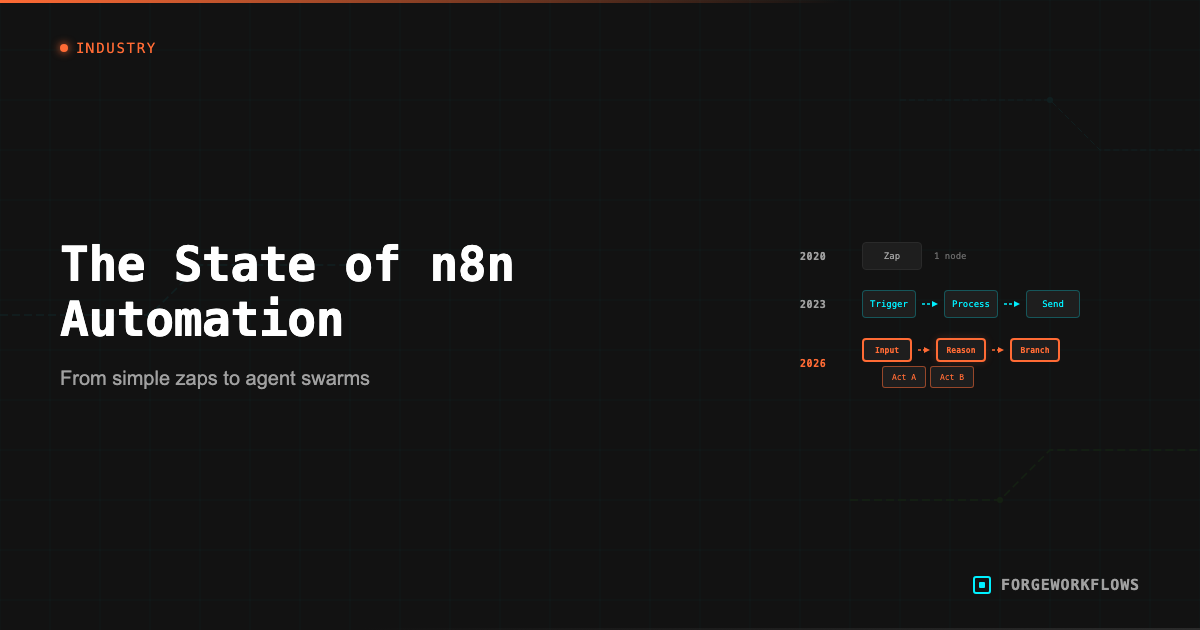
n8n has moved from "Zapier alternative for developers" to "the workflow automation platform for teams that need control." The trajectory over the past 18 months reflects a broader shift in how B2B operations teams think about automation.
Key finding: Of the first 100 blueprints we built, 94 included at least one LLM node.
Several factors drove this growth. The open-source community grew past 400 official integrations - the GitHub repository surpassed 100,000 stars in 2025 - with community contributors adding thousands more. The community node directory indexed over 5,000 nodes by early 2026, averaging roughly 13 new contributions per day. n8n Cloud shipped uptime SLAs, queue-mode execution, and enterprise SSO, removing the self-hosting barrier for teams that wanted n8n capabilities without managing infrastructure. And the enterprise tier - with role-based access and audit logging - made n8n viable for larger organizations with compliance requirements.
The tradeoff is real, though. n8n's power comes with a steeper setup curve than Zapier or Make. Self-hosting means managing a Node.js process, a database, and your own backups. Even n8n Cloud requires more workflow design thinking than drag-and-drop tools. Teams choosing n8n are making a deliberate decision to trade simplicity for control - and for most of the workflows we build, that trade is worth it.
We hit one of n8n's architectural constraints on our fifth blueprint. n8n can't run a scheduled cron and a webhook response in the same workflow - the schedule trigger fires without an incoming request, and the webhook response node throws an error. Our solution: every ForgeWorkflows blueprint that runs on a schedule ships as two workflow files. The main pipeline handles the logic with webhook input/output. A separate scheduler workflow fires on your cron schedule and calls the main pipeline's webhook URL. Customers adjust the schedule without touching pipeline logic.
But the most significant driver was not a feature release. It was a market shift: the rise of workflows that include reasoning-grade LLM calls as first-class nodes. n8n was positioned to absorb this shift because its architecture - a canvas of connected nodes where each node can be anything, including an API call to a language model - maps naturally to the agent workflow pattern. Platforms built around simple trigger-action pairs had to retrofit agent support. n8n already had it.
n8n became the default platform for teams building workflows that combine data integration with reasoning. Every ForgeWorkflows Blueprint is an n8n workflow JSON because n8n is where these workflows run best.
Every ForgeWorkflows Blueprint is an n8n workflow JSON. You own the file, self-host it on your infrastructure, and keep full control over execution and data flow.
The Shift from Zapier and Make
Zapier and Make (formerly Integromat) defined the first generation of no-code automation. They made it possible for non-technical users to connect apps with simple trigger-action recipes. For straightforward integrations - "when X happens in App A, do Y in App B" - they remain effective tools.
The limitation became apparent when teams started building workflows that required more than data movement. Three pain points drove the shift toward n8n:
1. Execution visibility. When a complex workflow fails in Zapier or Make, diagnosing the issue can be opaque. n8n workflow runs on a visual canvas where you can click on any node, see the exact input and output data, and trace the execution path. For multi-step workflows with conditional logic, this visibility is not a convenience - it is a necessity.
2. Self-hosting and data sovereignty. Many B2B teams - especially in regulated industries or organizations with strict data policies - cannot send their CRM data, customer emails, or sales transcripts through a third-party cloud platform. n8n self-hosted runs on your infrastructure. Your data never leaves your network (except for the specific API calls you configure).
3. Node flexibility. n8n code nodes (JavaScript or Python) and HTTP Request nodes allow you to build anything that the pre-built integrations do not cover. This flexibility is essential for agent workflows, where you might need to call a custom API, parse a non-standard response, or implement retry logic specific to your use case.
The shift is not binary - many teams still use Zapier for simple automations and n8n for complex ones. But for the category of workflow that ForgeWorkflows serves (multi-agent reasoning pipelines with CRM, communication, and LLM integrations), n8n is the platform that keeps the whole workflow visible and editable in one place. For teams in the middle of that transition, the practical challenge is auditing which existing automations are worth migrating and which should be rebuilt from scratch. We built the Workflow Migration Agent specifically to score that decision at the workflow level, not just the platform level.
Where Reasoning Fits In
Of the first 100 blueprints we built, 94 include at least one LLM node. That ratio tells you where workflow automation is heading - and it changes who builds these workflows.
Before LLM integration, workflows were limited to mechanical operations: move data, format data, route data based on fixed rules. The "intelligence" in the workflow was entirely in the rules the builder defined. If the builder did not anticipate a scenario, the workflow could not handle it.
With LLM integration, workflows can interpret unstructured data, apply judgment based on context, and produce outputs that reflect analysis rather than just data transformation. The Email Intent Classifier reads raw email text and classifies buyer intent across 7 categories using a reasoning-grade model (we tested with both Anthropic and OpenAI endpoints). The Deal Stall Diagnoser reads CRM deal history and produces a specific diagnosis of why a deal stalled - again using a reasoning-grade model, with the tier selected based on task complexity. These are tasks that were previously manual because no fixed rule set could handle the variability of real-world data.
When we ran the Deal Stall Diagnoser through ITP testing, the same prompt and the same model produced different diagnostic outputs across runs - the LLM's reasoning path diverged on ambiguous records. One deal scored as "champion risk" on the first run and "pricing stall" on the next. That variance is why we run every test fixture multiple times and document ranges, not single-point results. If you're evaluating an LLM-powered workflow, ask for variance data, not just a demo that worked once.
The implication for n8n specifically: it becomes a platform for building agent pipelines, not just data pipelines. An n8n workflow can now include: a data fetch node (pull records from CRM), a reasoning node (score or analyze those records), a routing node (decide what to do based on the analysis), and an action node (update CRM, send notification, generate report). The combination of data integration and reasoning in a single visual workflow is what makes n8n the natural home for this pattern. The deeper comparison is in Why Agentic Logic Beats Linear Automation for B2B Teams.
The Agent Workflow Pattern
A pattern emerged after we built the first 30 blueprints, and by that point it stopped feeling like preference and started feeling structural. The common thread was not industry, team size, or use case. It was workflow shape. The blueprints that held up under testing all converged on the same skeleton because the problems demanded it. You need source data before you can reason about anything. You need reasoning before you can make a routing decision. You need routing before actions make sense. The six steps below are not a framework we invented after the fact. They are what our working blueprints kept arriving at independently.
An "agentic workflow" in n8n is a multi-step pipeline where at least one node makes a judgment call using a reasoning-grade LLM - classification, scoring, diagnosis, or generation - and the remaining nodes route data and execute actions in your systems of record based on that judgment. The distinction from linear automation is that the LLM node's output is non-deterministic and context-dependent: the same input can produce different routing decisions depending on what the model observes in the data. Every ForgeWorkflows Blueprint is built on this pattern. We test each one under the Independent Test Protocol (ITP) specifically because the reasoning layer introduces variance that fixed-rule workflows do not have.
- Trigger: A schedule (daily, weekly) or an event (new form submission, deal stage change).
- Data Collection: One or more nodes pull data from source systems (CRM, email, Slack, calendar, support desk).
- Agent Processing: One or more reasoning-grade LLM agents analyze the data. Each agent has a specific role (researcher, scorer, analyst, writer) with a defined system prompt.
- Structured Output: Agents produce structured JSON output with defined schemas - not free-form text.
- Routing: Based on agent output (scores, classifications), the workflow routes records to appropriate paths.
- Action: The routed records trigger actions: CRM updates, Slack messages, email notifications, report generation.
If you want to see this pattern in a full production workflow, the Autonomous SDR is the clearest example - 32 nodes following the same six-step skeleton. The Inbound Lead Qualifier uses the same architecture with a smaller pipeline. The structure scales from simple (3 agents) to complex (6+ agents with parallel branches) while remaining auditable and testable.
Every ForgeWorkflows Blueprint follows this agent workflow pattern. Each passes a <a href="/methodology/bqs">12-point BQS audit</a> and is <a href="/methodology/itp">ITP-tested</a> with real data before listing.
What Is Coming Next
Several trends point to where n8n workflow automation is heading in late 2026 and beyond.
Token Economics Are Forcing Model Tiering
One number changed how we think about model selection: 30,000-40,000 tokens per web search call. In the Autonomous SDR, the Researcher agent costs more than the Judge - not because of the search API fee (about a penny per call), but because all that web content gets injected into the context window and billed at the model's per-token rate. The search fee is a third of the actual cost. This is forcing multi-model decisions at volume: route simple classifications to smaller models, reserve frontier models for ambiguous cases.
Composable Pipelines Are Replacing Standalone Workflows
Today, each Blueprint is a standalone workflow. The next step is composable pipelines where the output of one Blueprint feeds the input of another. We already see this with customers chaining the Inbound Lead Qualifier into the Meeting Briefing Generator - a qualified lead triggers a research brief for the sales call. n8n sub-workflow support makes this possible now, but the tooling for managing multi-Blueprint pipelines (shared credentials, unified error handling, cross-workflow observability) is still being built.
Observability Is Still the Missing Layer
Dedicated observability for agent workflows is the biggest gap. Today, teams stitch together n8n execution logs and API billing dashboards. What they actually need: audit trails for every agent decision - which inputs it received, which outputs it produced, and why it chose one routing path over another. The patterns we use to build that audit trail in practice are in our playbook on making n8n agent workflows reliable.
Regulated Teams Are No Longer Locked Out
HIPAA, SOC 2 Type II, FedRAMP ��� healthcare, financial services, and government teams have data residency requirements that cloud-only platforms could not meet. Self-hosted n8n paired with on-premises LLM endpoints (Ollama, vLLM, or Azure OpenAI private endpoints) changes this equation. Data never leaves the network. The early adopters we are seeing in these verticals run entirely on-prem stacks, building the same agent workflow patterns as everyone else - just without the cloud dependency. One of the clearest early patterns is private deployment for internal decision support: teams that want agent-style scoring or summarization but cannot route records through a public cloud workflow stack.
The common pressure across all four trends is accountability. Once automation starts making judgment calls, someone eventually asks the same questions: what did this workflow do, what did it cost, and where did the data go?
Browse the full ForgeWorkflows Blueprint catalog at /blueprints and see the glossary for definitions of terms used in this article.
Related reading
For a step-by-step guide to wiring Claude into n8n workflows, see Claude Business Workflows: A Practical Setup Guide. For the agent-builder role broken down into its four competency zones, read AI Agent Builder: The Engineering Role Defining 2026. And for how data analysts are moving into this work, see Data Analysts Who Build AI Agents Win in 2026.
Frequently Asked Questions
What breaks first when teams move from simple automations to agent workflows?+
Usually it is not the model. It is the assumptions around the workflow. Teams used to fixed-rule automations discover that once a model is making judgment calls, every weak point becomes more visible: inconsistent source data, missing retry logic, poor schema design. The model gets blamed first, but the real failure is usually around it.
Why do you publish variance ranges instead of single benchmark scores?+
Because single-run results hide the part that matters. Ambiguous records can produce different classifications even when the prompt and model stay the same. A single successful run tells you almost nothing about production reliability. Range testing tells you whether the workflow stays useful when the input is messy.
What makes a workflow deployable, not just demo-worthy?+
Structured outputs, failure handling, retry logic, dead letter monitoring, and a clear boundary between model judgment and deterministic system actions. A demo works once with ideal inputs. A deployable workflow needs all of that before you can trust it overnight.